


IP cameras explained: an IP camera captures video and sends it as digital data over an Internet Protocol network, which lets cameras connect directly to switches, recorders, or cloud services without an analog-to-digital converter. This networked approach changes how you install, scale, and access surveillance video, and it makes remote viewing, higher resolution video, and centralized recording more practical for homeowners and business owners.
IP versus analog cameras at a glance
IP cameras transmit digital video over Ethernet cabling or Wi-Fi, while analog cameras send an electrical video signal over coaxial cable to a digital video recorder. The difference has practical effects: IP systems commonly support higher resolutions and easier network integration, and analog systems typically require a DVR and coax runs.
Choose IP when you want 4K or higher resolution, flexible network placement, remote access, or simple centralized management. Consider analog if you already have quality coax infrastructure and need a like-for-like replacement on a tight budget. Both systems can capture usable evidence, but IP systems scale and integrate more naturally with modern networks.
Core IP camera features explained
4K resolution and when it matters
Resolution describes the number of pixels in an image. 4K security cameras provide much finer detail than 1080p, which helps identify faces, license plates, and small scene details at longer distances. Use 4K for wide areas where you need to crop or digitally zoom without losing clarity. For small rooms or short-range monitoring, 1080p or 2K can be effective and will reduce storage needs.
Color Night Vision
Color Night Vision uses low-light sensors, supplemental lighting, or advanced image processing to retain color after dark, which can reveal clothing, vehicle color, and other identifying cues that black-and-white night modes can obscure. Many modern IP models list Color Night Vision as a standard feature on product pages.
Smart motion detection and false-alert reduction
Smart motion detection uses on-camera analytics or recorder rules to limit false alarms from shadows, weather, or vegetation. Look for systems that let you set detection zones, sensitivity, and object filters so alerts focus on people or vehicles. Reliable motion filtering reduces unnecessary storage and keeps notifications meaningful.
Motorized varifocal lenses and framing flexibility
Motorized varifocal lenses let you change a camera's focal length and field of view remotely, which is useful for fine-tuning coverage after installation. This capability saves onsite adjustments and can reduce the number of cameras needed to cover a scene.
Listen-in audio and privacy considerations
Some IP cameras include listen-in or two-way audio. Laws about recording audio vary by jurisdiction and context, so check local rules before enabling audio capture. If audio is essential for evidence, confirm the camera and recorder support it and plan for any privacy disclosures you may need to provide.
Remote viewing via mobile apps
Remote viewing lets authorized users access live and recorded footage from smartphones and tablets. Many IP camera systems advertise mobile access that connects to a recorder or cloud service so you can check cameras from anywhere.
Power and networking basics: PoE and ePoE
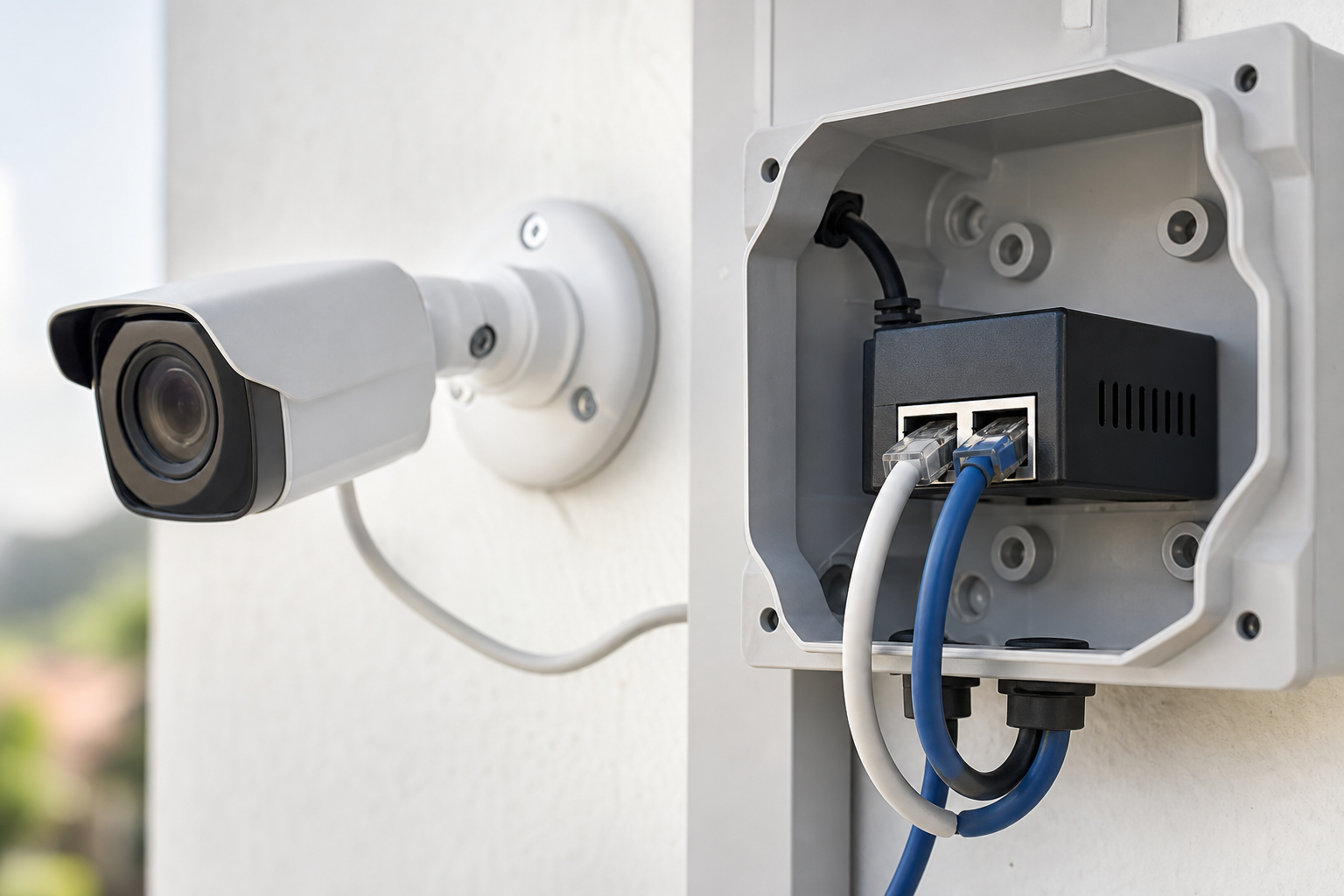
Power over Ethernet, or PoE, supplies power and network data over a single Ethernet cable to the camera, which reduces the need for a separate power run. Extended PoE, often called ePoE, increases reach and reliability for longer runs. Using PoE or ePoE simplifies installations, especially for outdoor cameras, because one cable handles both power and data.
Recording options: NVR versus cloud
A Network Video Recorder, or NVR, records streams from IP cameras on your local network. NVRs centralize storage and playback without routing all video through an external service. Cloud recording stores video offsite, which can simplify remote access and backups, but cloud storage usually requires a subscription and relies on a third-party provider.
Choose an NVR when you want local control, predictable recurring costs, and retention you manage. Choose cloud if you prioritize simple remote access, automatic offsite backup, and minimal local hardware management, while accepting subscription fees.
Installation and wiring considerations
PoE cabling and switch placement
Place PoE switches where cable runs are shortest and where the recorder or network uplink is accessible. Use quality Cat5e or Cat6 cabling for standard runs and verify switch power budgets to ensure enough wattage for all connected cameras.
Wire concealment best practices
Neat wire runs protect cables from weather and tampering and improve appearance. Use conduit, soffit channels, or dedicated raceways for visible runs and terminate outdoors in weatherproof junctions. Installation accessories such as junction boxes and cable covers help keep runs tidy.
Outdoor junction boxes and weatherproofing
Outdoor cameras should use weatherproof junction boxes for terminations and power inlets. A properly sealed box prevents moisture intrusion and preserves connections. Look for IP66 or higher rated housings for exterior installations and select junction boxes specified for your camera model.
Network bandwidth and segmentation
Cameras produce continuous traffic. Segment camera traffic onto a separate VLAN or switch to avoid saturating your primary network. Factor in resolution, frame rate, and number of cameras when planning storage and uplink capacity, and test throughput before finalizing placements.
When to DIY and when to hire a licensed electrician or installer
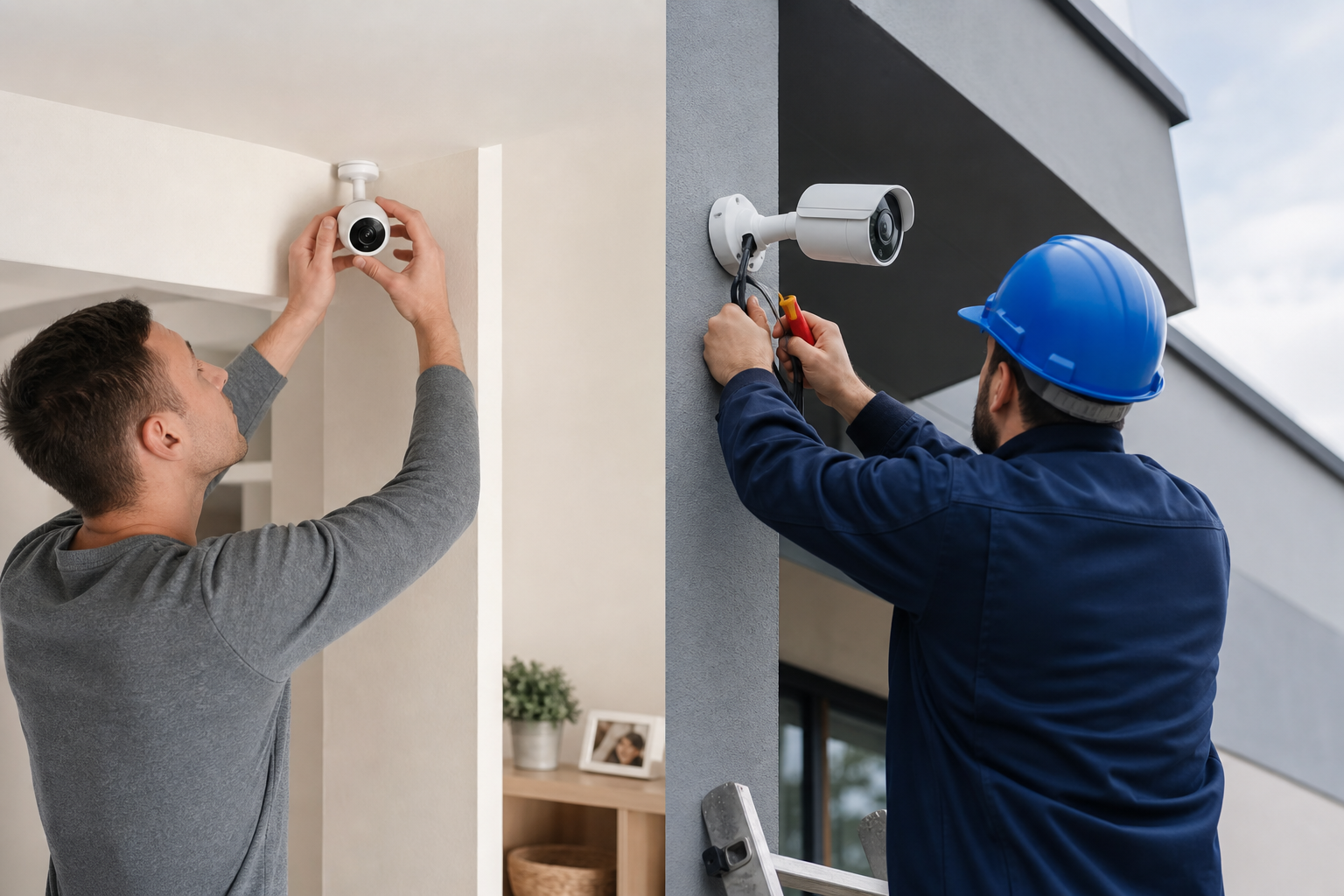
A competent DIYer can mount cameras, run PoE cable, and configure an NVR for a small home or shop. Hire a licensed electrician or a professional installer for complex wiring runs, installations that require power at the camera location, commercial and industrial sites, or work that must meet local electrical code. Hiring a pro reduces the risk of outages, messy cabling, and failed evidence capture. Alpha9 Solutions offers free estimates for installation projects that involve electrical scope.
Which IP camera is right for you 4-item checklist
- Coverage area and resolution needs, choose 4K for wide scenes or long-range identification, choose 1080p or 2K for small rooms.
- Night vision and low-light performance, prefer Color Night Vision when identifying colors after dark matters.
- Storage and recorder choice, decide NVR for local control or cloud for offsite backup and simpler access.
- Installation complexity and power requirements, pick PoE cameras for simpler single-cable installs or consult a pro when new power is required.
For larger industrial or multi-building sites, consult the Alpha9 Solutions resource on industrial deployments for planning guidance and accessory recommendations.
industrial security cameras explained
Common objections and trade-offs
- Privacy and audio legality, audio laws vary so verify local rules before enabling microphones.
- False motion alerts, mitigate with detection zones, sensitivity tuning, and analytics.
- Network and storage costs, higher resolution and frame rates increase bandwidth and storage; balance quality against recurring costs.
- Subscription fees for cloud, expect ongoing costs with cloud storage versus one-time hardware purchases for local NVRs.
Ask vendors for sample recordings, storage calculators, and a site survey when in doubt to understand real-world trade-offs.
Next steps and resources
Two practical next actions: browse the Alpha9 Solutions shop to compare wired IP cameras and accessories, and request a free estimate for any installation that involves electrical or complex wiring work. Product pages list features such as Color Night Vision, smart motion detection, motorized varifocal lenses, and remote viewing so you can match features to needs before you buy.
FAQ
Do IP cameras need internet to record
No. IP cameras do not require internet to record if they are connected to a local NVR that stores footage on local drives. Internet is only required for remote access or cloud recording.
What is the difference between an NVR and cloud recording
An NVR records video streams locally on site, giving you direct control of retention and backups. Cloud recording stores video offsite with a third-party provider and usually adds subscription fees.
What are PoE and ePoE and why do they matter
PoE sends power and data over the same Ethernet cable to a camera, simplifying installation and eliminating separate power runs. ePoE extends reach and reliability for longer cable runs. Using PoE reduces installation complexity and can lower labor costs for multi-camera systems.
When should I hire a professional installer for IP cameras
Hire a professional when the job includes new power runs, complex cable routing, industrial environments, or when you need code-compliant electrical work. Choosing a pro reduces risk and ensures the system meets performance and safety requirements. Alpha9 Solutions offers free estimates for installations that require electrical scope.
For a site survey or to compare compatible cameras and accessories, visit Alpha9 Solutions to view product listings and request a free estimate.


