


Security cameras with audio and night vision are IP-based systems that capture clear video in low light and synchronized ambient sound to improve identification and response. Installed by Alpha9 Solutions’ certified electricians, these systems deliver reliable, 24/7 coverage for homes and businesses in the local area, with options for 4K detail, smart alerts, and remote viewing.
By Aayush Patel · Last updated: 2026-06-02
Overview: See more, hear clearly
Security cameras with audio and night vision combine low-light color or infrared imaging with built-in microphones to record synchronized video and sound. The result is better identification, context, and evidence—especially after dark. This guide explains how the tech works, what to buy, where to place it, and how Alpha9 Solutions can help.
Here’s what you’ll get from this complete guide.
- Plain-English definitions of audio + night vision features and how they work together
- Actionable selection and placement tips for houses, storefronts, and facilities
- Clear differences between bullet, dome, and turret IP cameras (with examples)
- Tech deep-dive: 4K sensors, Color Night Vision, IR wavelengths, and PoE power
- Step-by-step setup, storage planning with an NVR, and privacy best practices
- Alpha9 Solutions product picks and real-world mini case studies
Quick Summary
- Audio adds vital context (voices, directions, actions) to night footage.
- Color Night Vision preserves color in very low light; IR provides monochrome clarity.
- 4K sensors (3840×2160) preserve detail for faces, plates, and logos.
- PoE simplifies wiring; ePoE extends distance for long runs.
- An NVR centralizes recording and remote viewing across mobile and desktop.
Table of contents
- What are security cameras with audio and night vision?
- Why audio + night vision matter
- How the technology works
- Types and approaches
- Best practices for selection and placement
- Tools, accessories, and resources
- Case studies and examples
- Installation and setup process
- Troubleshooting and optimization
- Frequently asked questions
- Conclusion and next steps
What are security cameras with audio and night vision?
They are IP cameras that record video and sound, using low-light color sensors or infrared LEDs to deliver usable footage after dark. Audio is captured through a built-in mic (listen-in audio), then synced with video on an NVR, creating more complete evidence than video-only systems.
At Alpha9 Solutions, we curate wired IP cameras that combine listen-in audio with strong night performance. Many models include Color Night Vision for dim scenes and IR LEDs for full darkness. In practical terms, that means a porch visitor’s voice, footsteps on gravel, or a car idling are recorded alongside faces, clothing color, and direction of travel.
- Listen-in audio: Built-in microphone records ambient sound within several feet of the camera.
- Color Night Vision: Larger sensors + wide apertures retain color in low light (yard lights, storefront glow).
- Infrared night vision: 850 nm or 940 nm IR LEDs illuminate in complete darkness for crisp monochrome detail.
- 4K resolution: 8MP sensors (≈33% more pixels than 1440p) help preserve fine detail when you digitally zoom.
- Smart motion detection: Analytics differentiate people/vehicles to reduce false alerts at night.
When these features are integrated correctly—sensor, lens, mic, analytics, and NVR—you get clarity and context day and night. That’s why we emphasize matched camera + recorder pairings and precise placement during installation.
Why audio + night vision matter
Audio supplies context (speech, direction, actions) while night vision preserves visibility when light is scarce. Together, they improve identification, accelerate response, and strengthen incident evidence—especially for entrances, lots, and perimeters where most activity occurs after dark.
Nighttime is when many incidents happen, yet most properties have uneven lighting. Cameras that hold color down to low lux or switch to IR maintain visibility. Add synchronized audio, and you can often tell whether a noise was a package drop, glass impact, or a vehicle door, which speeds decision-making for homeowners and managers.
- Better identification: Color details (jacket color, vehicle paint) plus sound cues (voice, accent, direction).
- Fewer false alarms: Analytics paired with audio help distinguish wind-rattled foliage from a person speaking.
- Evidence quality: A time-stamped 4K clip with clear audio is easier to interpret and share.
- Situational awareness: Hear what’s happening just beyond the frame—off-camera footsteps or a gate latch.
In our experience deploying IP cameras and NVRs for homes, shops, and light industrial yards, audio plus night vision changes outcomes. Footage that merely showed a silhouette becomes actionable when you can hear a plate scrape, a shouted name, or a tool dropping, all tied to a precise timeline.
How the technology works
These systems pair image sensors and IR or low-light color tech with onboard microphones. Power over Ethernet carries power and data on one cable to an NVR, which records synchronized audio-video streams, runs analytics, and serves remote viewing via secure apps.
Each camera is a mini imaging and audio system:
- Sensor + optics: 4K sensors and wide-aperture lenses gather more light; motorized varifocal lenses fine-tune field of view.
- Night vision engine: Color Night Vision amplifies available light; IR LEDs illuminate at 850/940 nm for pitch black scenes.
- Audio capture: An electret or MEMS mic records ambient sound; firmware filters reduce wind and handling noise.
- Encoding + transport: H.265/H.264 compress video; AAC/G.711 compress audio; PoE sends both over Cat5e/Cat6.
- Recording + alerts: An NVR archives streams, runs motion AI, and pushes mobile notifications for people/vehicles.
Practical numbers help planning. Standard PoE runs up to about 100 meters on Cat5e/Cat6. Extended PoE (ePoE) approaches much longer spans with matched switches and cameras. A 4K H.265 stream at 15–30 FPS often ranges from 2–8 Mbps, which informs NVR storage sizing and network design.
Types and approaches
Choose between bullet, dome, and turret form factors with built-in mics and strong night vision. Pair 4K sensors for detail, motorized varifocal lenses for framing, and ePoE for long cable runs. Match the camera to the job: entrances, lots, aisles, and perimeters have different needs.
Alpha9 Solutions stocks wired IP cameras that cover most scenarios. To simplify decisions, start from placement and distance, then select optics and features.
Common form factors
- Bullet cameras: Visible deterrent, easy to aim, great for perimeters and driveways.
- Dome cameras: Discreet, tamper-resistant (IK10 on select models), ideal for entries and interiors.
- Turret cameras: Low glare, flexible aiming, excellent night performance without dome reflections.
| Form factor | Audio mic | Night vision | Best use | Notes |
|---|---|---|---|---|
| Bullet | Built-in listen-in | Color NV + IR | Driveways, fences | Strong deterrent; easy to aim |
| Dome | Built-in listen-in | Color NV + IR | Entrances, lobbies | Often IK10 vandal-resistant |
| Turret | Built-in listen-in | Color NV + IR | Porches, aisles | Low glare; crisp at night |
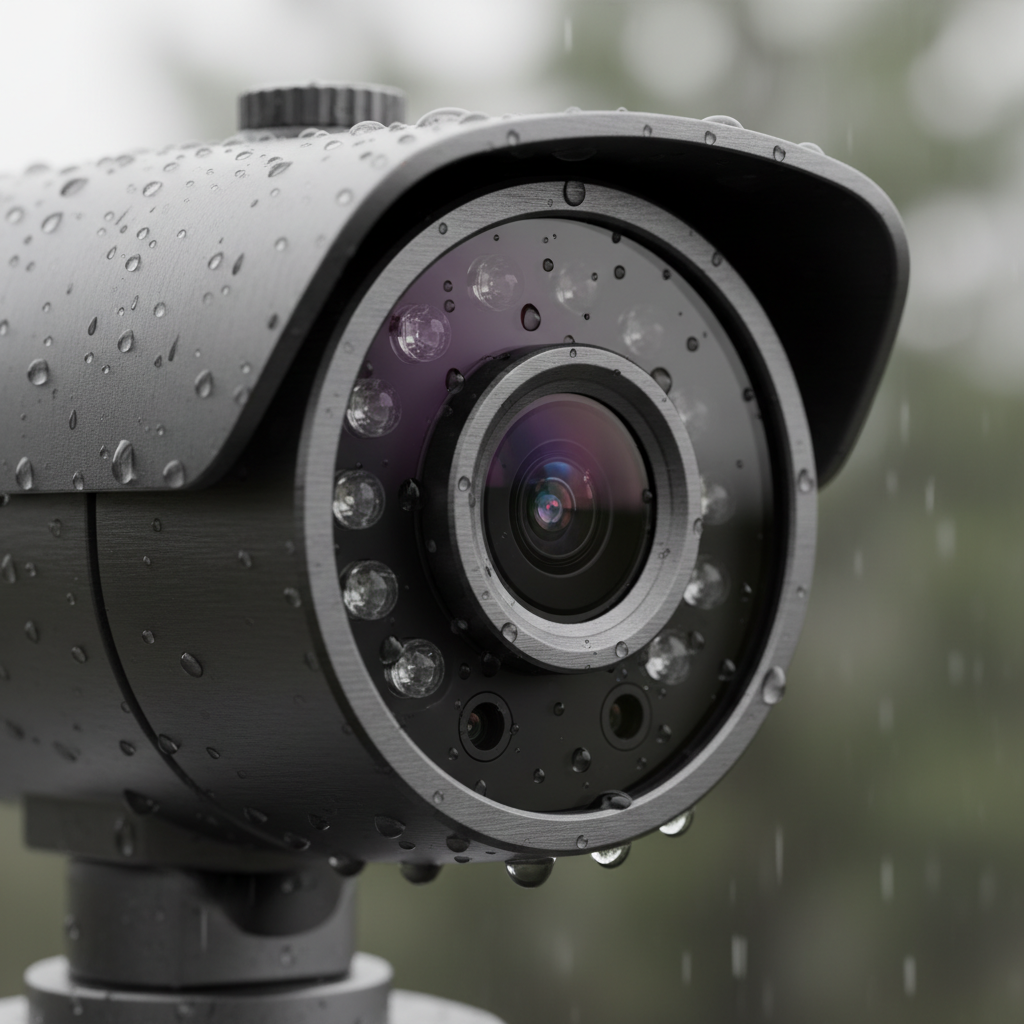
Explore specific examples in our product lineup, including a 4K bullet IP camera, an IK10 dome with audio, and an ePOE turret with varifocal lens.
Feature options that matter
- 4K/8MP sensors: Preserve detail for plates and faces; pair with quality lenses.
- Motorized varifocal lens: Dial-in framing without climbing a ladder.
- Smart motion analytics: Person/vehicle detection reduces alert fatigue.
- ePoE support: Run long spans to outbuildings or far corners without repeaters.
- Vandal ratings (IK10): Essential for public-facing and low-mount locations.
For broader background on system design, our video surveillance setup article and this CCTV surveillance guide walk through planning camera counts, coverage, and recording days.
Best practices for selection and placement
Map high-traffic zones, choose a form factor that fits the scene, mount 8–12 feet high, and aim to capture faces at an angle with some ambient light. Test audio range before finalizing, and verify privacy settings for windows and neighboring property lines.
Placement determines outcomes more than specs. A 4K sensor aimed poorly will underperform a well-placed 1080p unit. Use these practical rules to deploy security cameras with audio and night vision that deliver.
Selection checklist
- Define objectives: Identify entrances, driveways, registers, safes, and loading areas.
- Match camera to task: Bullet for deterrence, dome for tamper resistance, turret for night clarity.
- Pick resolution + lens: 4K + varifocal when distance varies; fixed-lens for known fields of view.
- Confirm audio need: Ensure listen-in audio aligns with your use and local rules.
- Plan PoE runs: Keep standard runs under ~100 m; consider ePoE for longer spans.
Mounting and aiming
- Height: 8–12 feet balances field of view and tamper resistance.
- Angle: Aim to see faces, not just heads; avoid bright backlighting at night.
- Audio: Keep the mic side toward the action; reduce wind exposure and mechanical vibration.
- Lighting: Small, consistent light sources improve Color Night Vision performance.
- Reflections: Avoid placing domes near shiny soffits; turrets reduce IR bounce-back.
Local considerations for your area
- Exterior audio pickup varies with weather. In windy or rainy seasons, test mic clarity and consider minor shielding during placement.
- Holiday traffic and extended store hours increase after-dark activity. Schedule NVR health checks and verify nighttime alerts before peak periods.
- For multifamily or shared commercial sites, coordinate privacy zones and signage with property managers to maintain good tenant relations.
For a deeper homeowner-focused walkthrough, see our home camera guide, which pairs audio decisions with simple placement diagrams.
Tools, accessories, and resources
A reliable system pairs PoE-powered IP cameras with an NVR, quality cabling, weatherproof junction boxes, and secure remote apps. Choose matched components so audio, analytics, and night vision settings work together and can be updated over the network.
Alpha9 Solutions operates an e-commerce storefront and service practice, so we see what works in the field and on the bench. The following components are the backbone of dependable audio + night vision deployments.
- IP cameras with listen-in audio: Examples include our IK10 dome with audio and 4K bullet IP camera.
- NVR (Network Video Recorder): Centralizes storage and analytics; map audio channels per camera.
- PoE switch or NVR with PoE: Simplifies single-cable runs; check power budget vs. camera draw.
- ePoE support: For long spans, choose an ePoE turret with varifocal lens.
- Outdoor junction boxes: Protects connectors and supports clean wire concealment under eaves.
- Remote viewing app: Use push notifications for people/vehicles and quick audio checks.
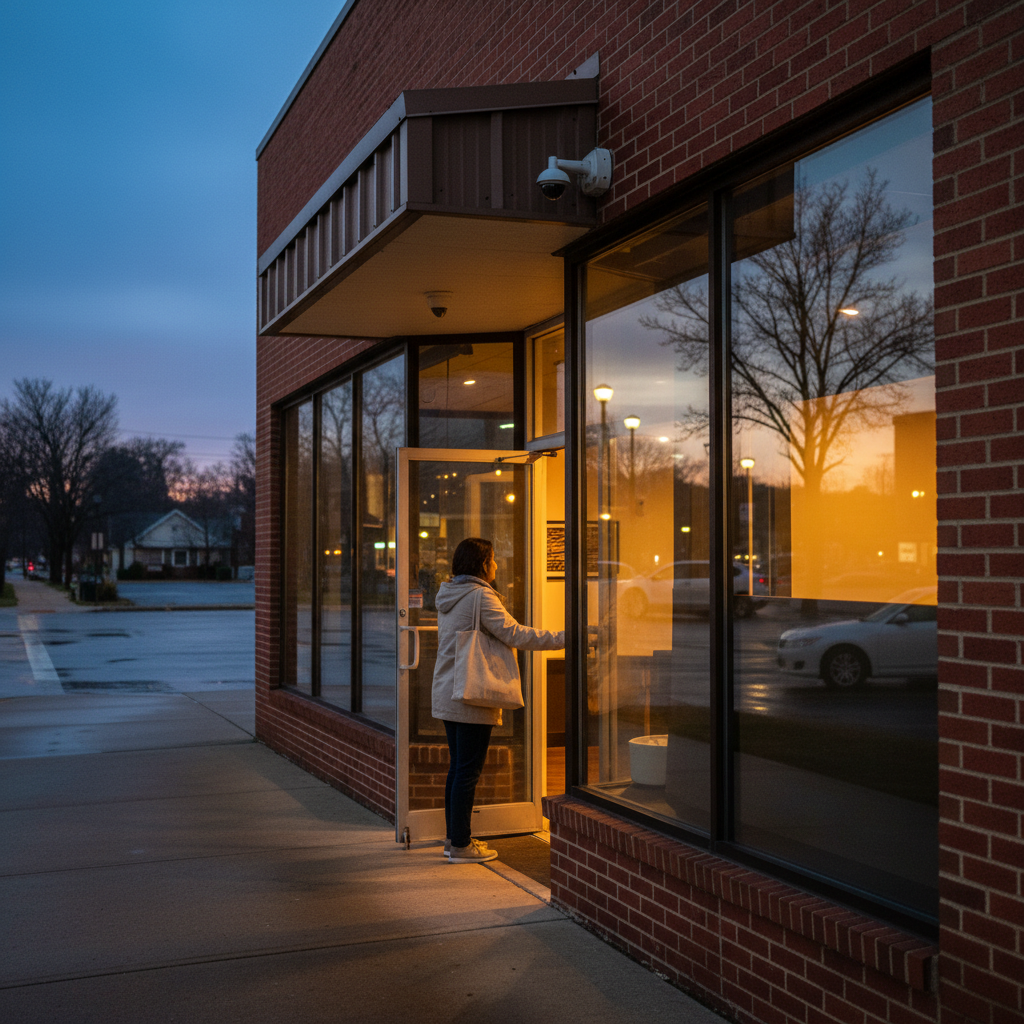
If you’re researching fundamentals while you plan gear, these primers on CCTV system basics and a hands-on security camera installation basics overview can help you scope your project confidently.
Case studies and examples
Real deployments show how audio and night vision change outcomes. Entrances, porches, aisles, and yards benefit from synchronized sound and low-light detail, turning vague silhouettes into useful evidence and speeding response.
Home porch and driveway
- Goal: Identify late-night visitors and protect packages.
- Approach: Turret at the porch angled to capture faces, with listen-in audio toward the door.
- Outcome: Night footage preserved jacket color and captured footsteps plus a first name spoken at the door.
Retail entry and checkout
- Goal: Monitor entries and register lines after dusk.
- Approach: IK10 dome at entry; turret over the aisle; both mics enabled.
- Outcome: Color Night Vision showed a branded logo; audio recorded a distinct purchase dispute sequence.
Light industrial yard
- Goal: Oversee gates and tool cages along a dark perimeter.
- Approach: Bullet camera aimed down the fence with IR; dome near the gate for tamper resistance.
- Outcome: IR revealed movement beyond the floodlight’s reach; audio caught a chain rattle matching the timeline.
For broader planning context on camera counts, retention, and angles, browse our longer-form CCTV surveillance guide as you map out your property.
Need a second set of eyes? Alpha9 Solutions can help you finalize placements, wire routes, and NVR settings. We offer quick assistance and free estimates—so you can move from plan to protection without delay.
Installation and setup process
Plan cable routes and placements first, then mount cameras, terminate Cat5e/Cat6, and connect to a PoE NVR. Onboard each camera, align audio channels, set night profiles, and test alerts. Finish by creating user accounts, privacy zones, and a backup plan.
Step-by-step
- Design: Sketch coverage, choose form factors, and confirm audio zones.
- Mount: Install junction boxes, mount brackets, and aim cameras.
- Cable: Pull and label Cat5e/Cat6; keep bends gentle; weather-seal terminations.
- Power/Data: Connect to PoE ports; verify link LEDs and IP addresses.
- NVR setup: Add cameras, map audio, set recording schedules, and Night/Day profiles.
- App access: Enable remote viewing; verify push alerts for people/vehicles.
- Validation: Night walk-test for exposure, IR reflections, and mic clarity.
- Documentation: Save QR codes, IPs, and admin credentials securely; export a test clip.
If you want a practical prewire and mounting refresher before starting, this walkthrough on security camera installation basics is a solid companion to the steps above.
Troubleshooting and optimization
Fix night issues by managing light and reflections, and improve audio by reducing wind and vibration. Balance bitrate and retention on the NVR, and keep firmware current. Small adjustments turn mediocre nighttime clips into crisp, useful evidence.
- Washed-out night scenes: Lower gain or exposure; add a small constant light; avoid reflective eaves.
- IR halos or fog: Clean the lens/dome; extend the hood; switch to a turret to reduce bounce-back.
- Windy audio: Rotate the mic away from prevailing winds; add slight shielding without blocking.
- Alert fatigue: Tighten people/vehicle zones; raise sensitivity thresholds slightly; schedule quiet hours.
- Short retention: Use H.265, lower FPS in quiet hours, and right-size your NVR drives.
- Stale firmware: Update to improve night processing, analytics accuracy, and security patches.
Frequently asked questions
These quick answers address common questions about choosing, placing, and using audio + night vision cameras with an NVR.
Do I need 4K for night footage?
4K isn’t mandatory, but it preserves detail when you zoom into dark scenes. If distances vary or you want better plate and logo recognition, 4K with a quality lens and proper placement outperforms lower resolutions—especially when paired with steady ambient lighting.
How far can listen-in audio capture sound?
Most built-in mics pick up clear speech within several feet, depending on wind and background noise. You’ll hear footsteps and doors from farther away, but intelligible speech requires favorable placement and lower ambient noise. Test at night before finalizing mounts.
What’s better at night: Color Night Vision or IR?
Use Color Night Vision when there’s some ambient light; it preserves color that aids identification. In complete darkness, IR LEDs render sharp monochrome detail. Many cameras do both—color down to low lux, then switch to IR automatically when it’s truly dark.
Should I use wireless instead of wired for audio cameras?
For fixed installations, wired PoE is more reliable and consistent for audio-video sync, power, and retention. Wireless can work for short-term or temporary needs, but walls and interference can impact performance. We recommend wired IP cameras for primary coverage.
Conclusion and next steps
Audio + night vision turn after-dark footage into actionable evidence. Plan placement first, then choose the right form factor, lens, and NVR. Test at night, tune exposure and mic direction, and document your setup for long-term reliability.
Key takeaways
- Plan from the scene back to the spec: placement beats raw pixels.
- Color Night Vision plus IR covers both dim and dark conditions.
- Listen-in audio adds timelines and context that video alone can’t.
- PoE wiring, ePoE distance options, and a tuned NVR make systems stable.
- Validate at night and keep firmware current for the best results.
If you’d like help choosing or installing security cameras with audio and night vision, we’re here to assist. Explore our curated IP cameras and NVRs, or reach out for quick guidance and a free estimate to get your project moving.

Alarm Systems: Save Money and Spot Trouble Early 2026

Color Night Vision Guide: See Faces Clearly After Dark

Home Surveillance Systems: Pick the Right One in 2026
